Step One
Open the wallet app.
Go to the Wallet app on your iPhone.

Step Two
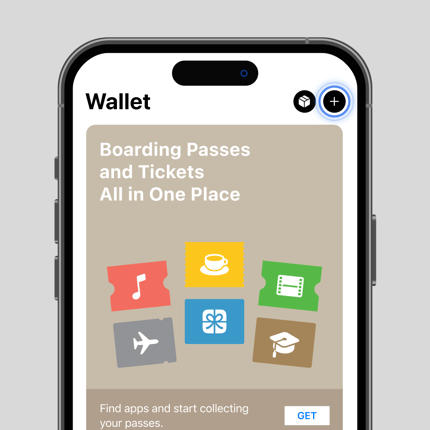
Tap the
symbol.
You’ll find this button in the top-right corner. When you select it, you may be prompted to sign in to your Apple Account.
Step Three
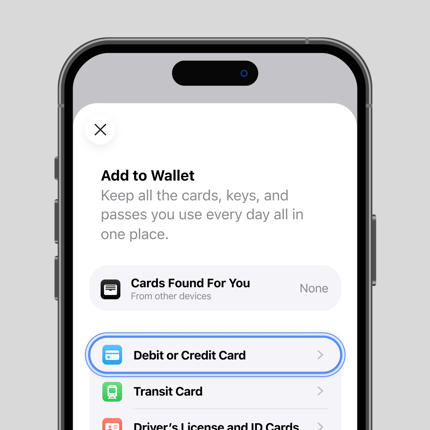
Tap Debit or Credit Card then tap Continue.
Get your card ready.

Step Four
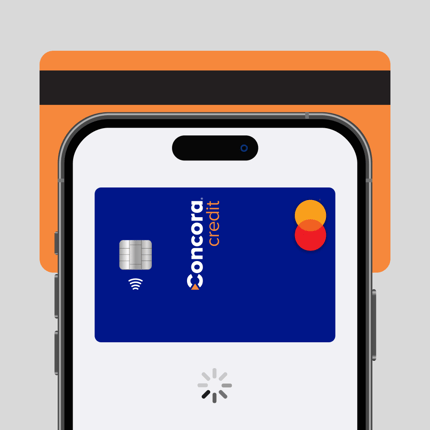
Tap your card.
Place your iPhone on the back of your card. Keep it in place until the card is read or, if necessary, enter your card details manually.

Step Five
Finish your setup.
Follow the prompts in the Wallet app to verify your card. Once your card is verified, you’re all set and ready to use it!

Step One
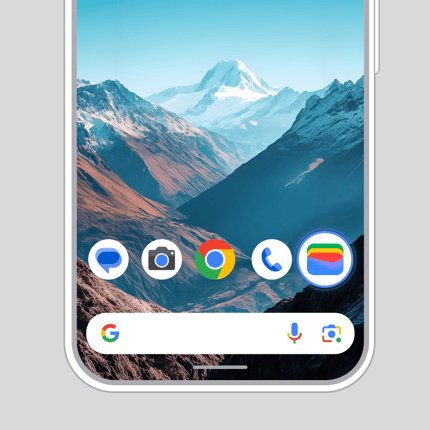
Open the Google Wallet app.
To use Google Pay on your phone, you’ll first need to add your card to Google Wallet. If you don’t already have the app, download Google Wallet to get started.

Step Two
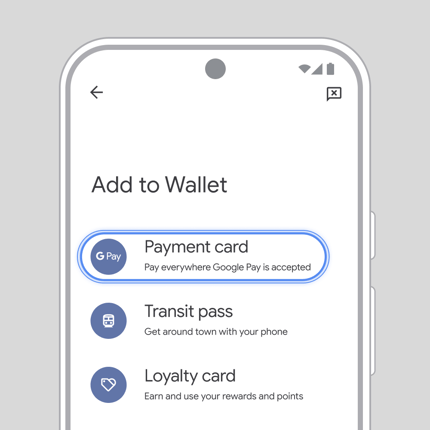
Tap Add to Wallet+, then select Payment card.

Step Three
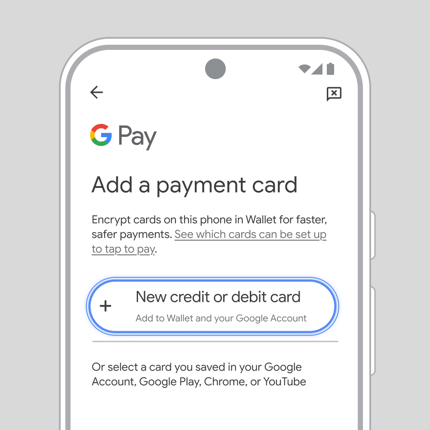
Tap New credit or debit card
Get your card ready.

Step Four
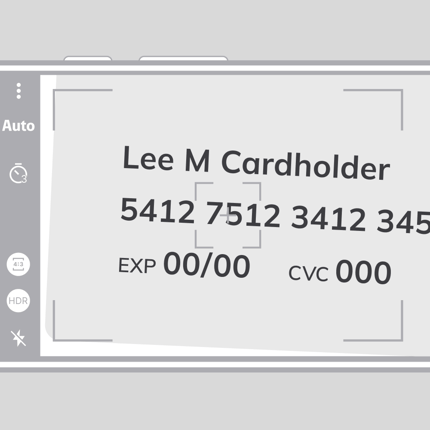
Use the camera or enter the details manually.

Step Five
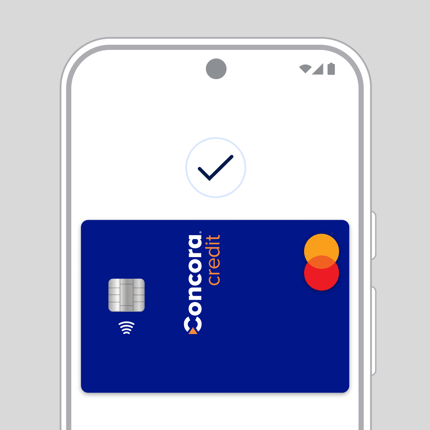
You're all set to use Google Pay
Follow the prompts in the app to verify your card and you're ready to go.